8. Reports
8.1. Creating a Report
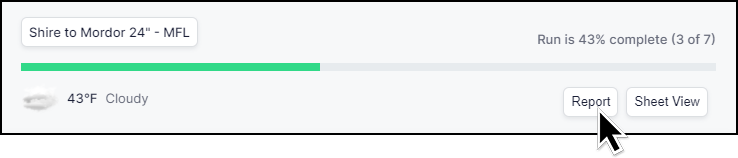
Creating a report in GlobalTrack is simple. From the Project page locate the Run for which you want a Report. On the right-hand side of the card displaying the Run overview is a button labled Report.
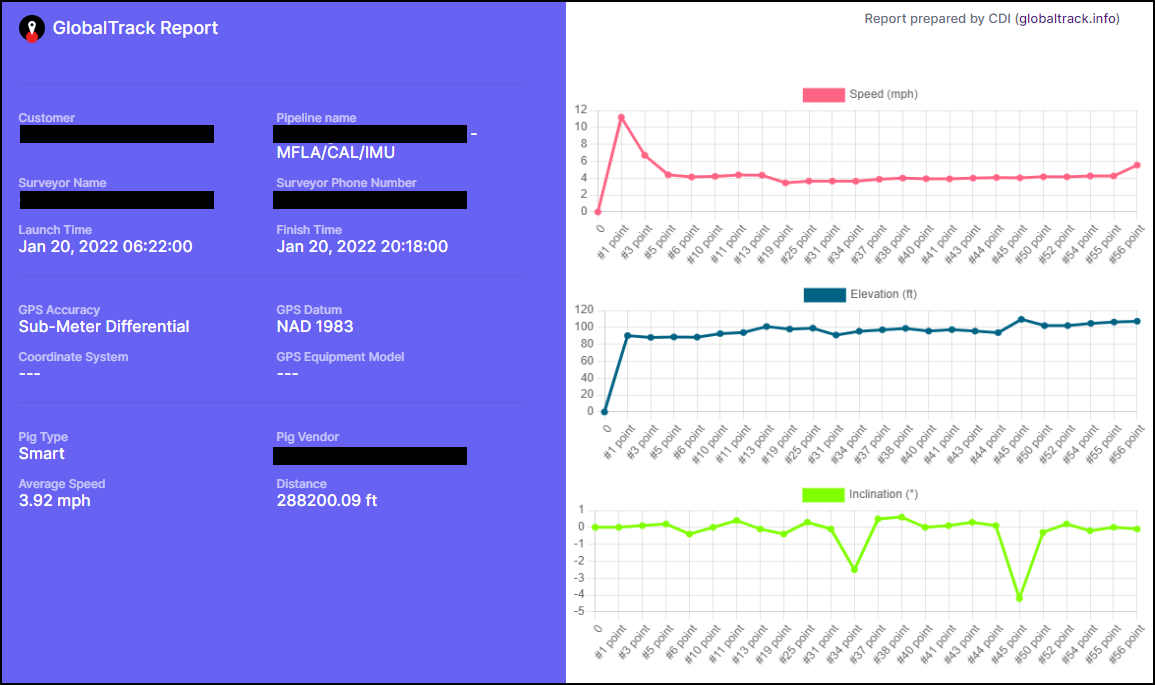
Clicking the Report button will open a new window. After a brief pause while the report it generated it will be displayed:
8.2. Save as PDF or Print
The report may be printed, and/or saved as a PDF by clicking the button labeled Generate Report at the top of the Report.

This button opens a traditional operating system print dialog from which you can select your print and PDF output options.